Deleting a Page
- From the Design section, open the page that is to be deleted.
-
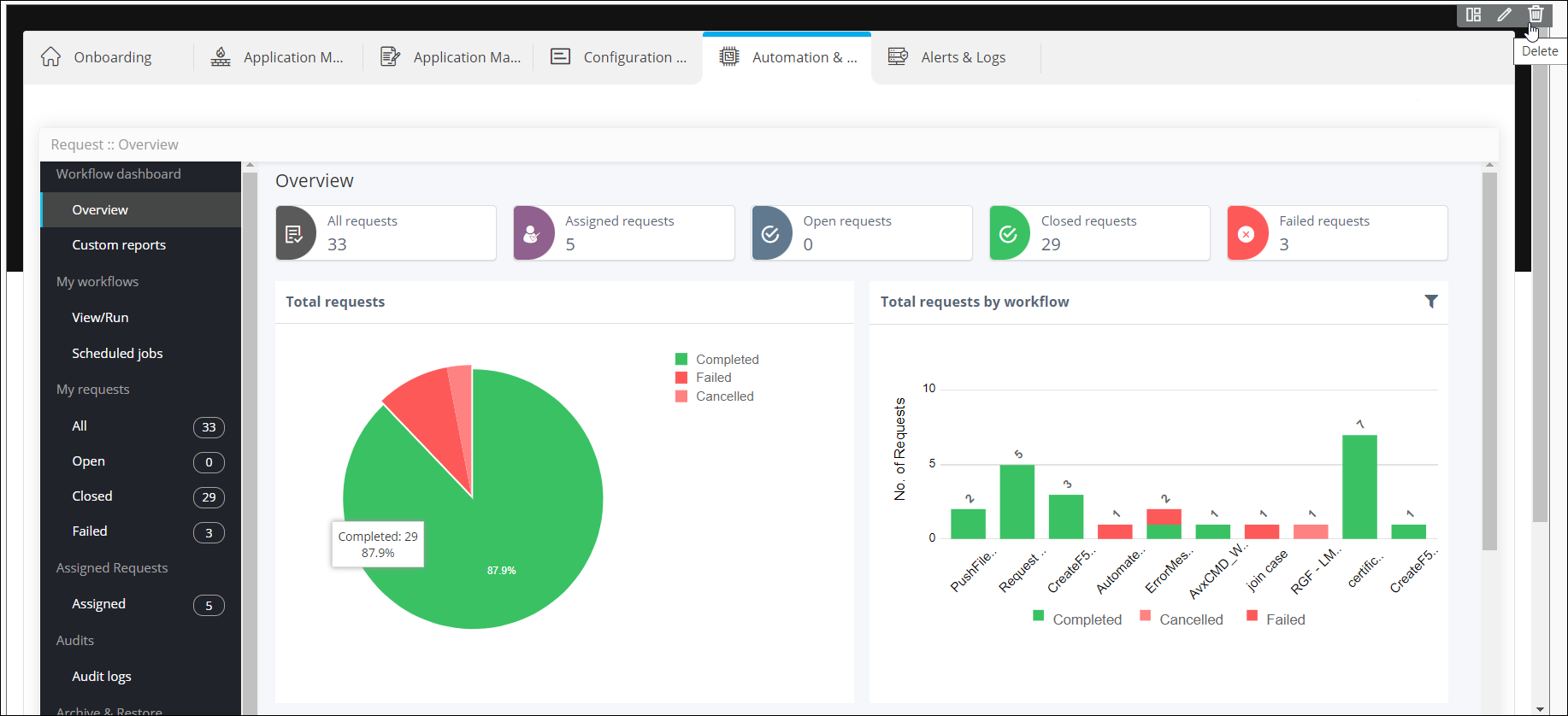
Hover your mouse to the top right corner of the page and click
 .
. 
-
In the Confirmation pop-up, click Yes.
The page is deleted.Important: This action cannot be undone.