Modifying page layout
- Open a page from the Design section.
-
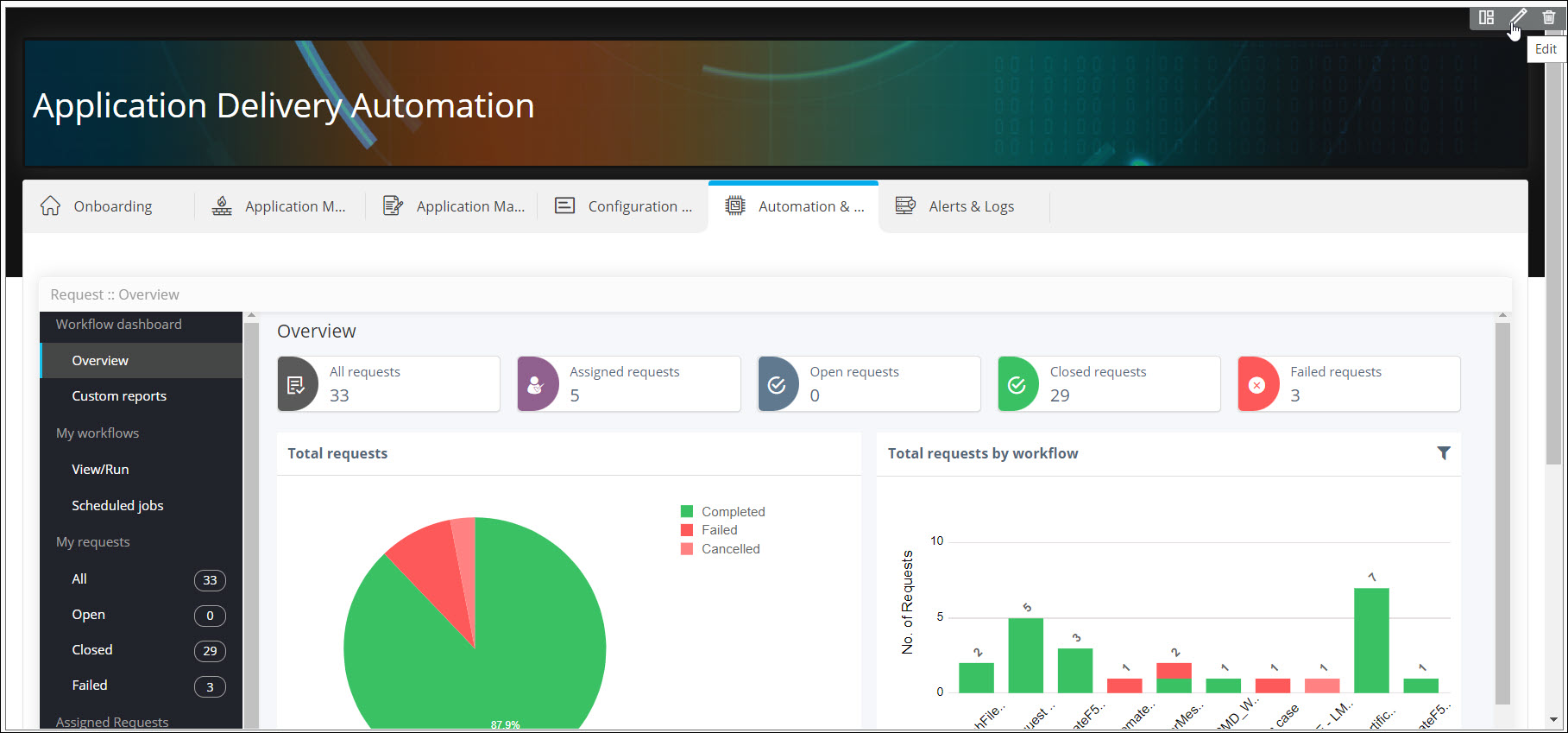
Hover your mouse to the top right corner of the page and click
 .
. 
The Layout pop-up window is displayed with the Properties tab open by default.Note: The Properties tab is displayed only when the Page Layout is selected as Page with Tabs. In the Single Page Layout mode, the Layout pop-up window opens displaying the Styles tab. - To modify the page layout properties, click here.
- To modify the page layout style, click here.