-
Click
 and select Menu > AppVision >
Application.
and select Menu > AppVision >
Application.
The Application screen opens with the Inframap tab
selected by default.
-
Open the application infrastructure and make whatever changes are
required.
-
Click the Provision dropdown menu and select
 in the Command
bar.
in the Command
bar.
An Alert Message screen will pop up asking you to take a backup
of the application before deploying any changes. Enter a name for the
Blueprint to help the users identify it.
-
Enter a name for the Blueprint to help the users identify it.
-
Click the Save button.
A copy of the live application infrastructure is created and the
deployment screen opens with Deploy as request tab selected by
default.
-
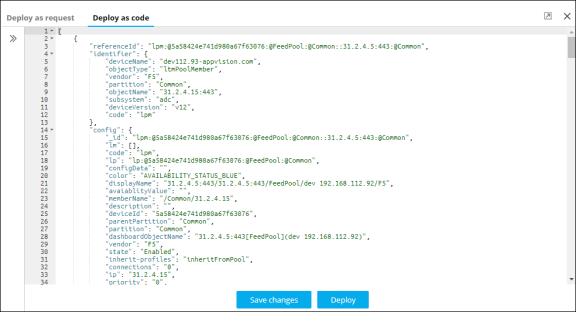
Click the Deploy as Code tab.
-
Copy and paste the code file of the application infrastructure that you have
saved on your computer.
-
Click Save changes to save the file, which can be deployed later, or
click Deploy to deploy the changes immediately.