Creating custom HTML pages using plugins
- jQuery
- Bootstrap
To add plugins to your HTML page:
-
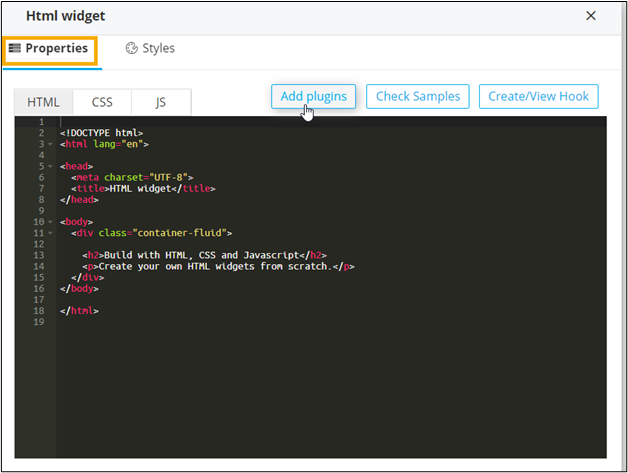
In the HTML widget window, under
Properties, click Add plugins.
-
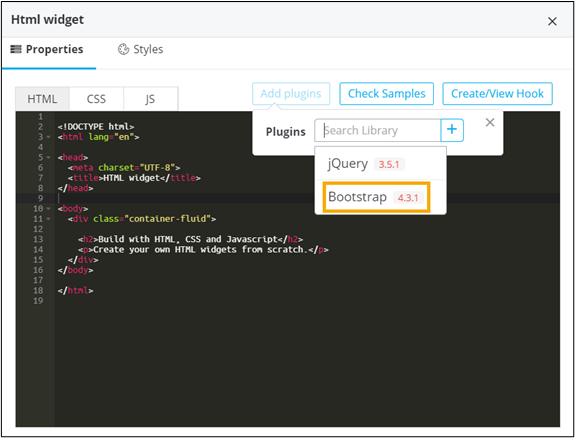
Select the library from the available options. For example, Bootstrap.
-
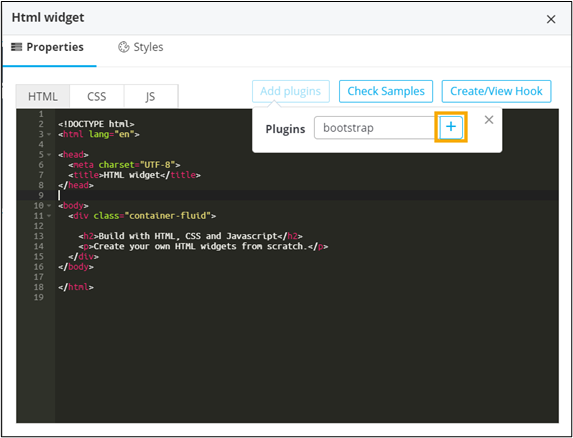
To add the selected plugin, click
 .
. 
-
To see the available design templates, click Bootstrap.
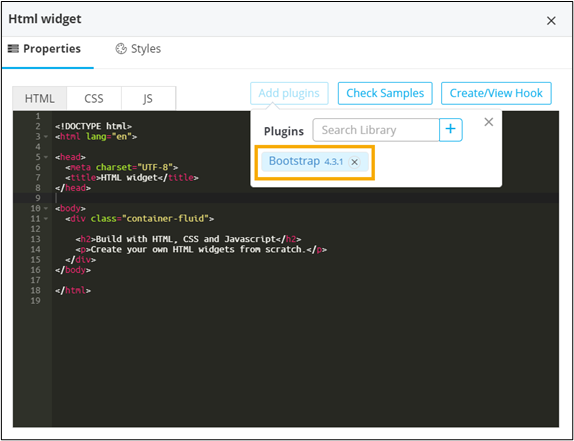
The Bootstrap library opens in a new tab. You can customize any of their available templates for your HTML page. - To save your selection, click Save.