Embedding a page - Properties
To embed a page:
-
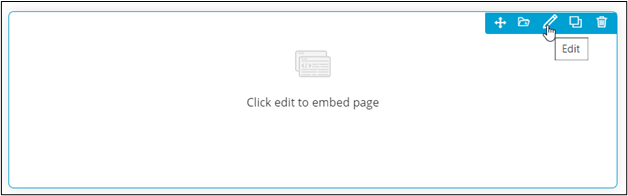
Hover your mouse over the widget and click
 .
. 
The Embed widget pop-up window opens with the Properties tab open by default.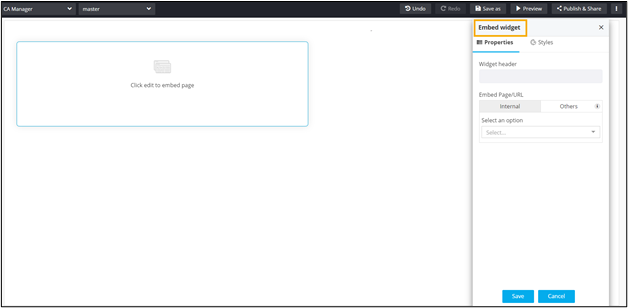
-
In the Embed widget window, under
Properties,enter or select the required field
information.
The following table describes the various fields in this tab:
Field Description Widget Header Provide a suitable widget header Embed Page/URL Users have two options for embedding a page in the widget:
- Click Save.