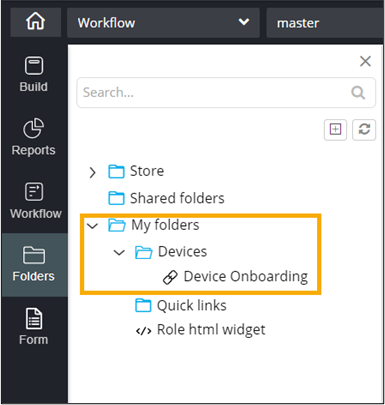
Saving a widget in My Folders
-
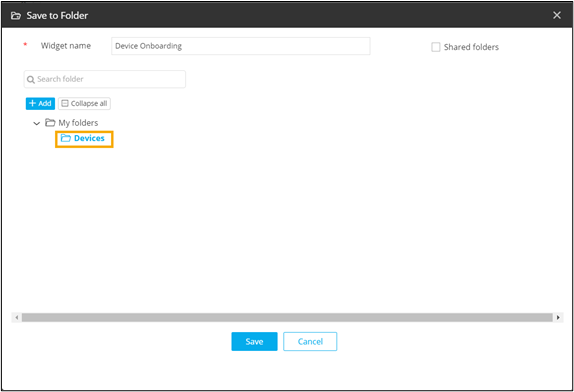
In the Save to Folder window, under
My folders, click on the folder in which you want the
widget to be saved.
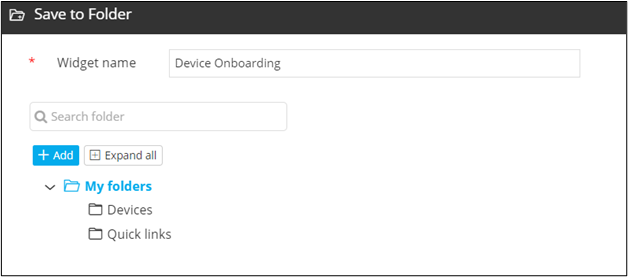
- To create a new folder for saving the widget, click Add.
-
Enter the folder name.
A new folder is created.
- Select the folder in which you want to save the widget.
-
Click Save.
The widget is saved in the selected folder.