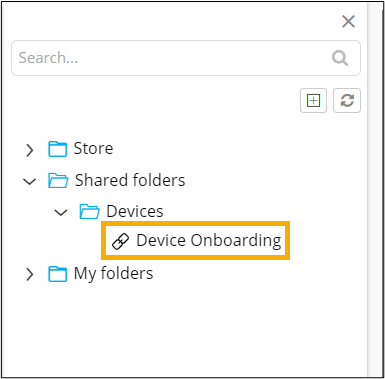
Saving a widget in Shared Folders
-
In the Save to Folder window, select the
Shared Folders checkbox.
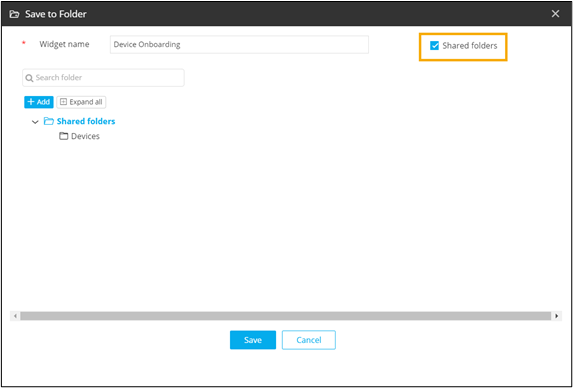
- Click on the shared folder where you want the widget to be saved. For example, Devices.
- To create a new folder under the Shared folders, click Add.
-
Select the required folder and click Save.
The widget is saved in the selected shared folder.