Configuring Branding - Properties
-
To configure the Branding widget, hover your mouse over the widget and click
 .
. 
The Branding pop-up window opens with the Properties tab open by default. -
In the Branding window, under
Properties, enter or select the required fields.
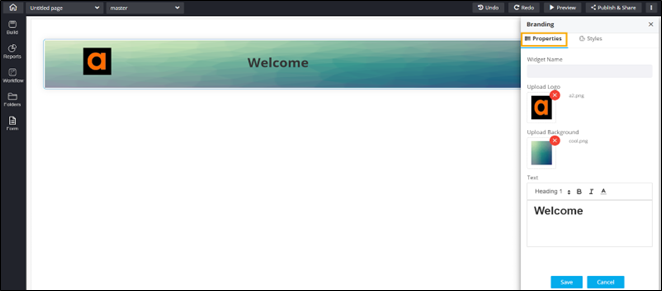
The following table describes the various fields under the Properties tab:Field Description Widget Name Enter a suitable widget name. For example, AppViewX. Upload Logo Upload the appropriate logo, if required. Upload Background Upload a suitable background. Text Enter the text that will be displayed in the Branding widget, next to the logo.