Configuring the Search Widget - Styles
-
For more options to customize the Search
Widget, in the Search Widget window,
click Styles.
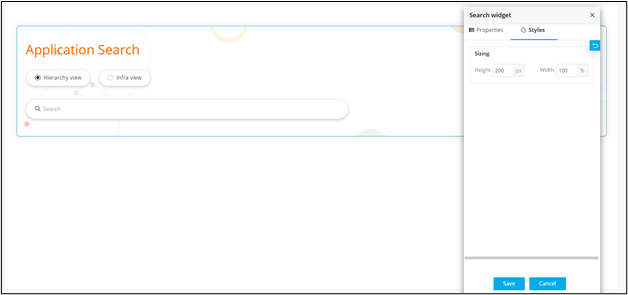
- Under Sizing, you can increase/decrease the height and width of the search widget.
- To save your settings, click Save.
-
To restore the settings under Styles to default, click
 .
.