Configuring the Group widget - Properties
-
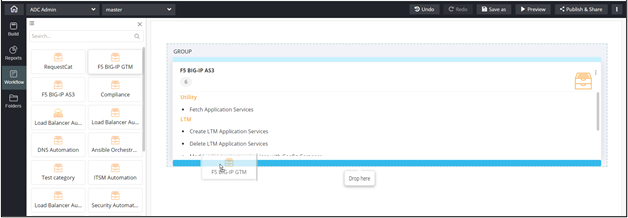
Drag and drop related widgets into this Group
component to view them all in one place.
-
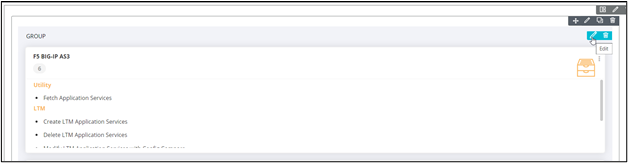
To configure/edit the Group component, click
 .
.
The Group pop-up window opens with the Properties tab open by default.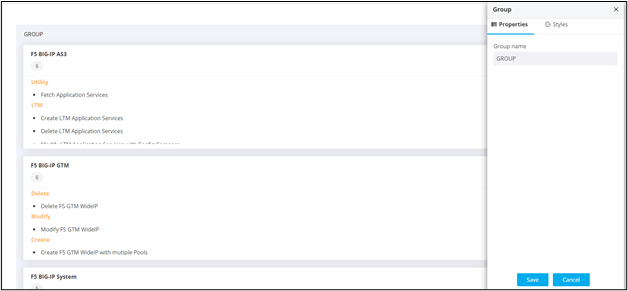
-
In the Group window, under
Properties, you can change the Group
name.
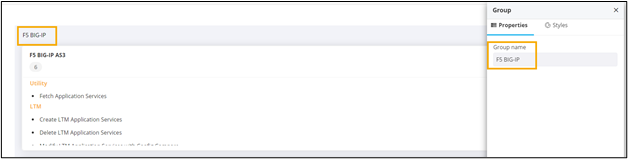
- Click Save.
-
To configure individual widgets within the group, hover your mouse over the
specific widget and click
 .
. 