License
-
Click
 and select
Settings > General > License.
and select
Settings > General > License.
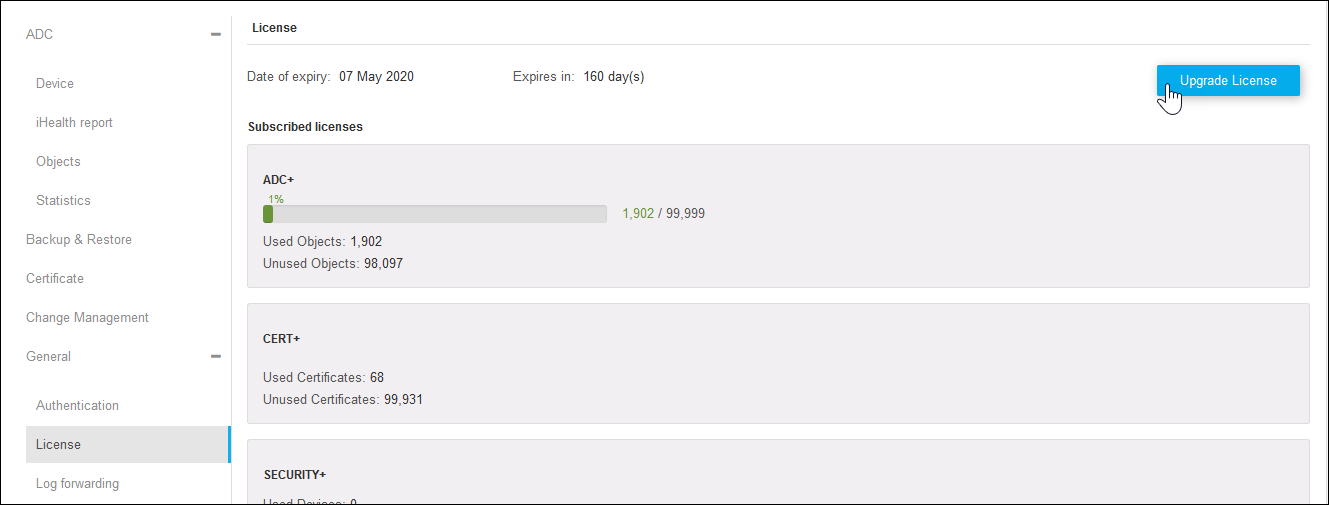
- On the license details page, you can find the list of subscribed licenses with the expiry date.
- Click Upgrade License on the top right.
- On the Upgrade License window, click Browse to choose a license file.
-
Click Upload.
 The user is notified with a pop-up warning whenever one of the following scenarios occurs:
- The object, device or certificate count has reached or about to reach the license limit
- The subsystem license has expired or is about to expire