SMTP
-
Click
 and select
Settings > General > SMTP.
and select
Settings > General > SMTP.
- On the SMTP details page, under SMTP Configuration, enter the SMTP host, port, and outgoing email address.
- Click the disable icon to enable the Email Box.
-
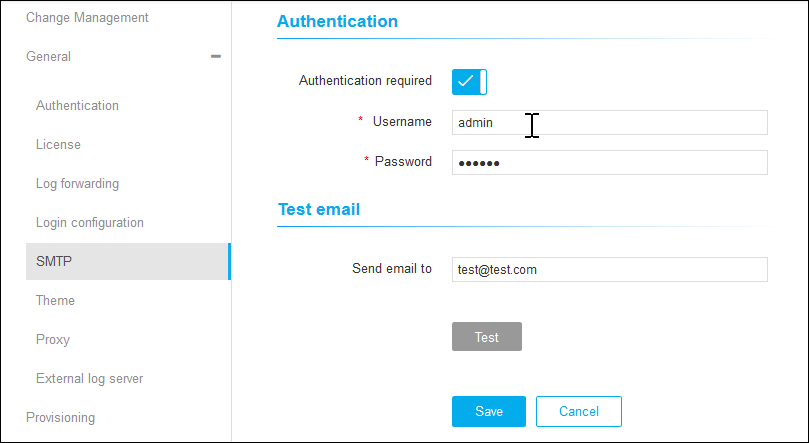
Under Authentication, click
 to enable Authentication Required.
- Enter the username and password.
- Under Test Email, enter the Send Email to address.
- Click Test to check the connection.
-
Click Save.