Adding a Workflow Link to the Action Widget
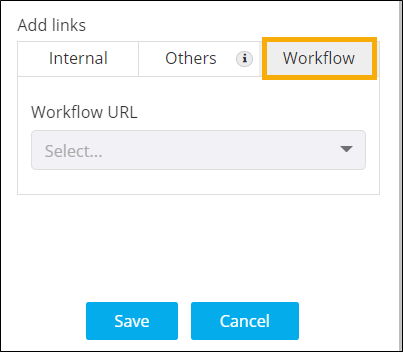
- To add a link to redirect to the Workflow Request execution page for the selected workflow, under Add links, click Workflow.
-
Enter the link Name and select the Workflow
URL from the dropdown.
-
Once you have selected the required workflow URL to the action widget, click
Save.
Clicking on the button will redirect to the workflow request execution page for the configured workflow URL.
- For more options to customize Action widget, click here.