Editing and Deleting Quicklinks
You can edit individual quick links to change the name displayed on the widget, add
help text to quick links, and also delete quick links from the widget.
-
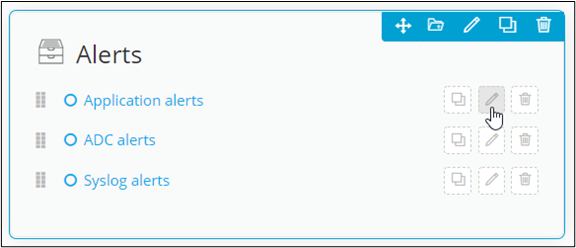
To edit an internal or external Quick link click
 .
. 
-
Enter the Alias name in the quick link pop-up window.
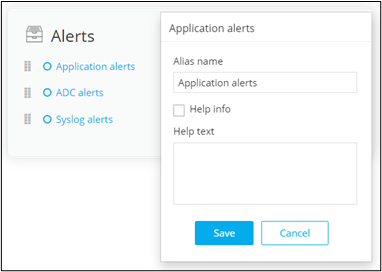
-
To edit the Workflow quick link, click
-
In the workflow quick link pop-up window, edit the workflow name and select a
different workflow URL from the dropdown list.
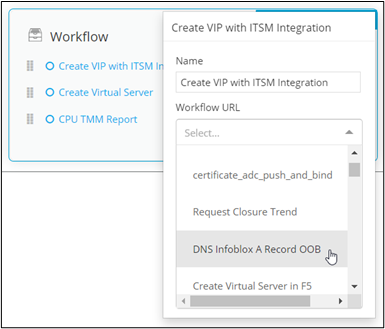
-
Add the text to be displayed in the Help text box.
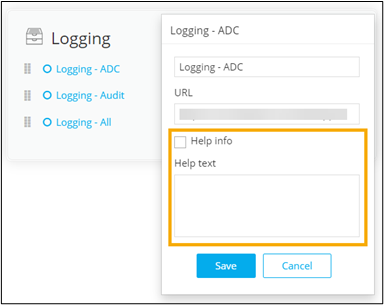
- Click Save.
-
To delete a quick link, click
 and click Ok in
the Confirmation window.
and click Ok in
the Confirmation window. 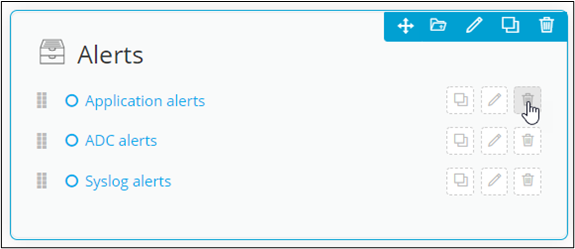
-
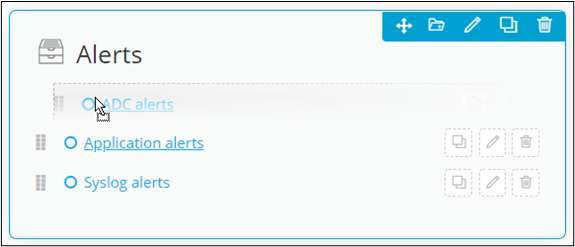
To rearrange the order in which the quick links are displayed in the widget,
hold and drag the quick link where required.
-
To make a copy of a quick link, click
