Adding an Internal Quicklink
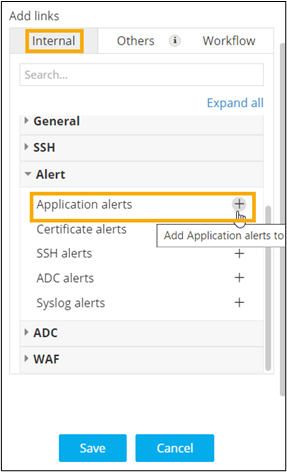
- To link an internal AppviewX page to the widget, under Add links, click Internal.
-
To select a link to be added to the widget, click
 .
. 
-
To add selected links to the widget, click Save.
Clicking on the quick link will redirect to the selected page in a new tab.
- For more options to customize Quicklinks, click here.