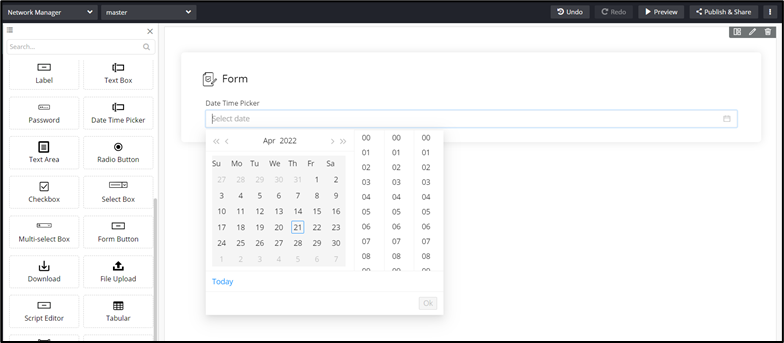
You can add a Date and Time picker field to the form on your page. This field
enables you to enter date and time information and retrieve information based on the
inputs provided.
To add the Date Time Picker to your form, drag and drop the Date
Time Picker component to the canvas.