Form Field - Password

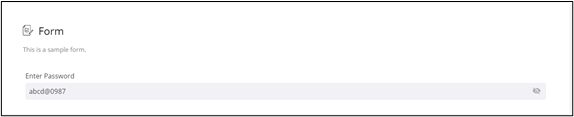
You can add aPassword field to the form on your page. This form field allows you to add a special text field that does not display text when the user types in it. Instead, the text typed by the user is represented as an asterisk or a bullet to maintain confidentiality of sensitive information.

  1. To add the Password field to your form, drag and drop the Password component to the design canvas.
  2. To make the password visible, click .
    The password is visible.

  3. To hide it again, click .