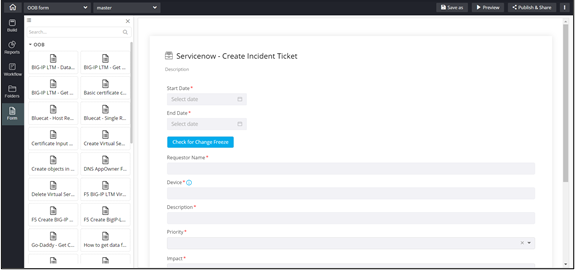
Using OOB Forms
To add an OOB form to your page:
- Design a page.
-
From the OOB folder, drag and drop the required OOB form
to the canvas.
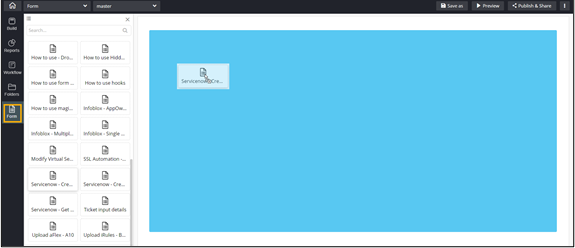
The selected OOB form is added to the canvas. It can be used as is or modified as per your requirement.