View Complete Details of a Certificate
- Open the Certificate topology containing the certificate whose details you want to view.
- In the Certificate topology view, click the certificate. A Certificate details screen pops up, providing a complete summary of the certificate details.
-
Click any row in the table to have its contents displayed in the bottom half of the
screen.
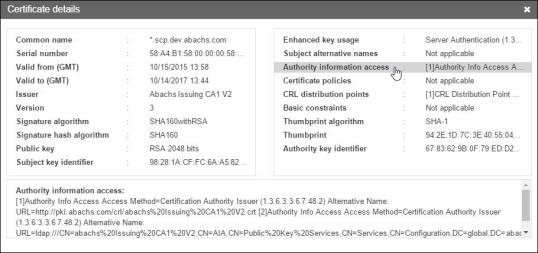 This is particularly useful for entries, like Authority information access shown in the image below, that is too long to display completely in the top half of the screen.