View Orphan Objects
To view orphan objects through the Control center module, complete the following steps:
-
Click
 and select Control
Center.
and select Control
Center.
- Run a search.
-
On the search results screen that opens, click
 or
or  on which you want to view the orphan objects.
-
Click
 n in the
Command bar at the top of the screen.
The Orphan objects screen opens, displaying all orphan objects grouped by device type.
n in the
Command bar at the top of the screen.
The Orphan objects screen opens, displaying all orphan objects grouped by device type. - Click the tab that corresponds to the type of orphan object you want to view.
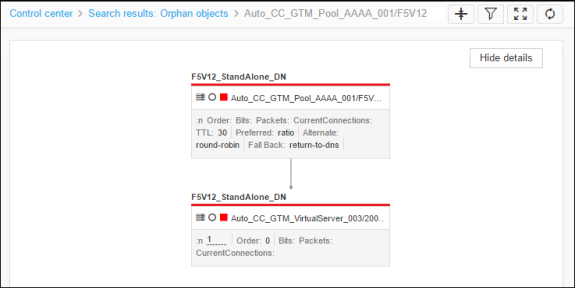
- Hover your cursor over any of the child objects to view its details.
-
Click any of the child objects to view the topology the object belongs to.