View the Certificate Search Results
- Run a search.
-
Click the Server Certificate, Client Certificate, or Code Signing
Certificate tab to view the search results corresponding to your search query.
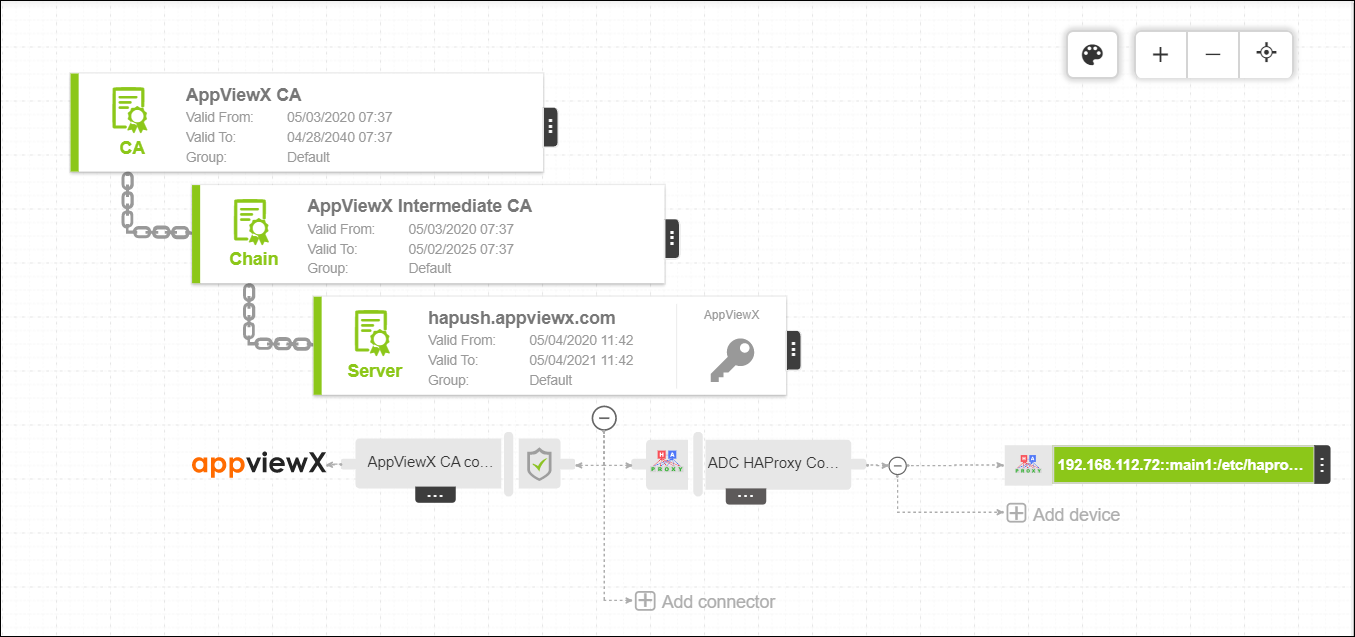
When you click a search result from any of the tabs, a topology view opens, providing a detailed map showing the trust chain that extends from the root certificate to intermediate certificates to the end certificate itself. This view also shows the relationship between all of the other components related to the certificate, including connectors and devices.