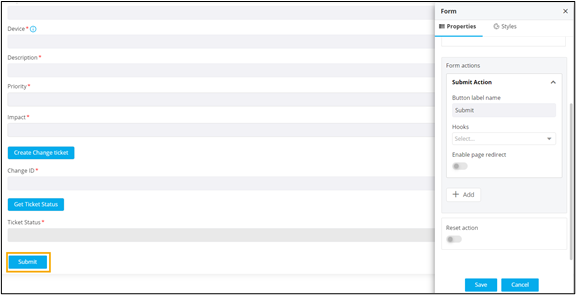
Configuring Form Actions
To add a Submit action to the form:
- Under Button label name, enter a valid name for the button. For example, Submit.
-
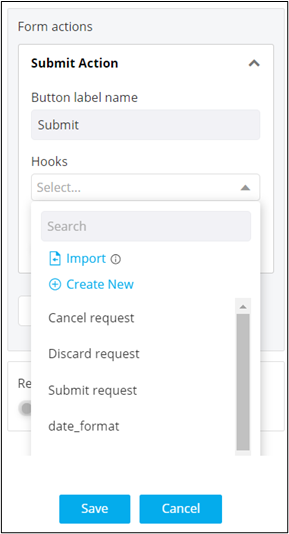
Under Hooks, select the appropriate hook from the
available options in the dropdown or import/create/modify a hook.
Note: For more information on assigning hooks to form fields, click here. - To redirect to a page after clicking the Submit button, turn on the Enable page redirect toggle. For example, if you want to create a new user or role and after submitting the form you want to be redirected to the Role page, you can enable this option.
-
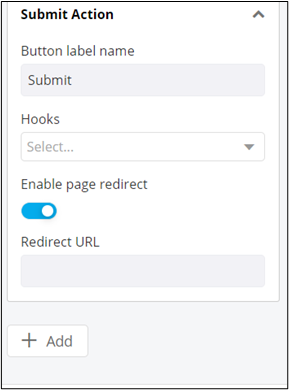
Once the page redirect is enabled, the Redirect URL
field is displayed.
-
Add the Redirect URL and click Add to add the Submit
action to the form.
Submit button is added to the form.