View Configuration Details of Firewall Rules
-
Click
 and select Control Center.
- Run a search.
- By default, the search results are displayed in the ADC Application view page.
- Click the Firewall tab.
-
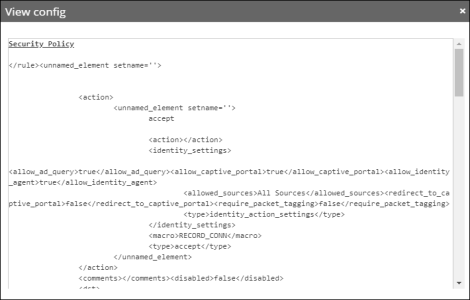
On the search results screen, right-click the device name and select View
config from the dropdown list that appears.
A popup screen appears, displaying the configuration details as shown in the image below: