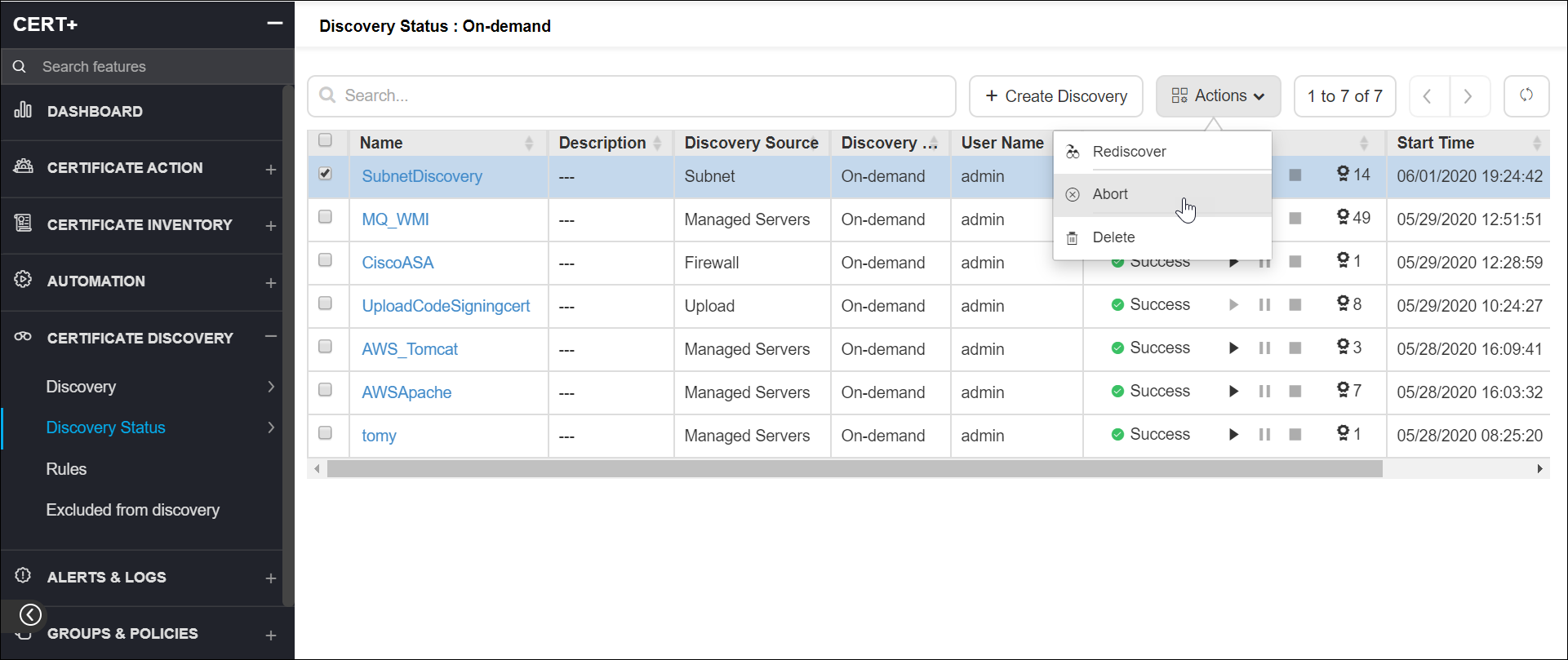
Abort Certificate Discovery
-
Click
 and select
CERT+ > Certificate Discovery.
and select
CERT+ > Certificate Discovery.
- Under Certificate Discovery, click Discovery Status.
- On the Discovery Status list view, select a certificate discovery you want to abort.
- Click Actions and
select Abort.
You can track the progress or status of the abort action in the Discovery Status column.