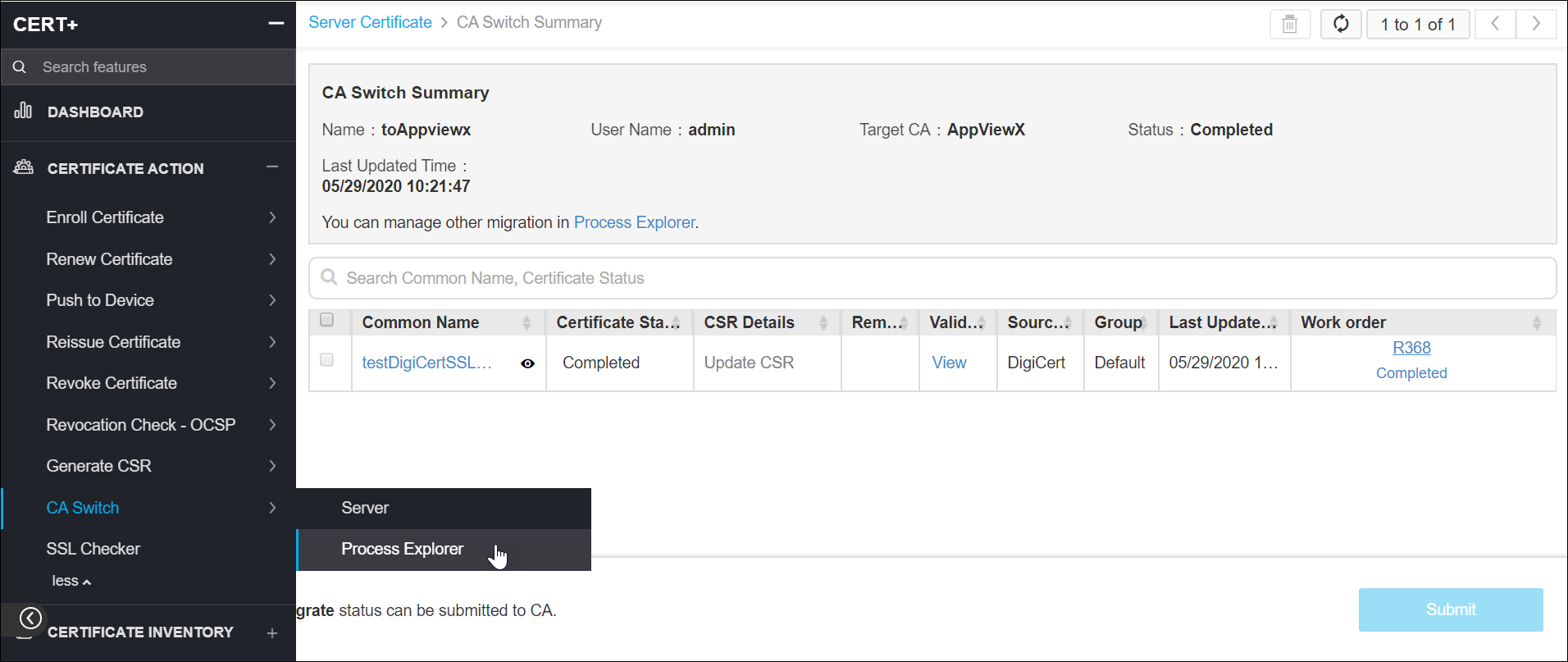
View the Process Explorer
-
Click
 and select
CERT+ > Certificate Action.
and select
CERT+ > Certificate Action.
- Under Certificate Action, click CA Switch>> Process Explorer.
- On the CA Switch list view page, you can view the list of certificates that were switched or up for switching.
-
Click the Name of a certificate to view it's CA Switch Summary
details.