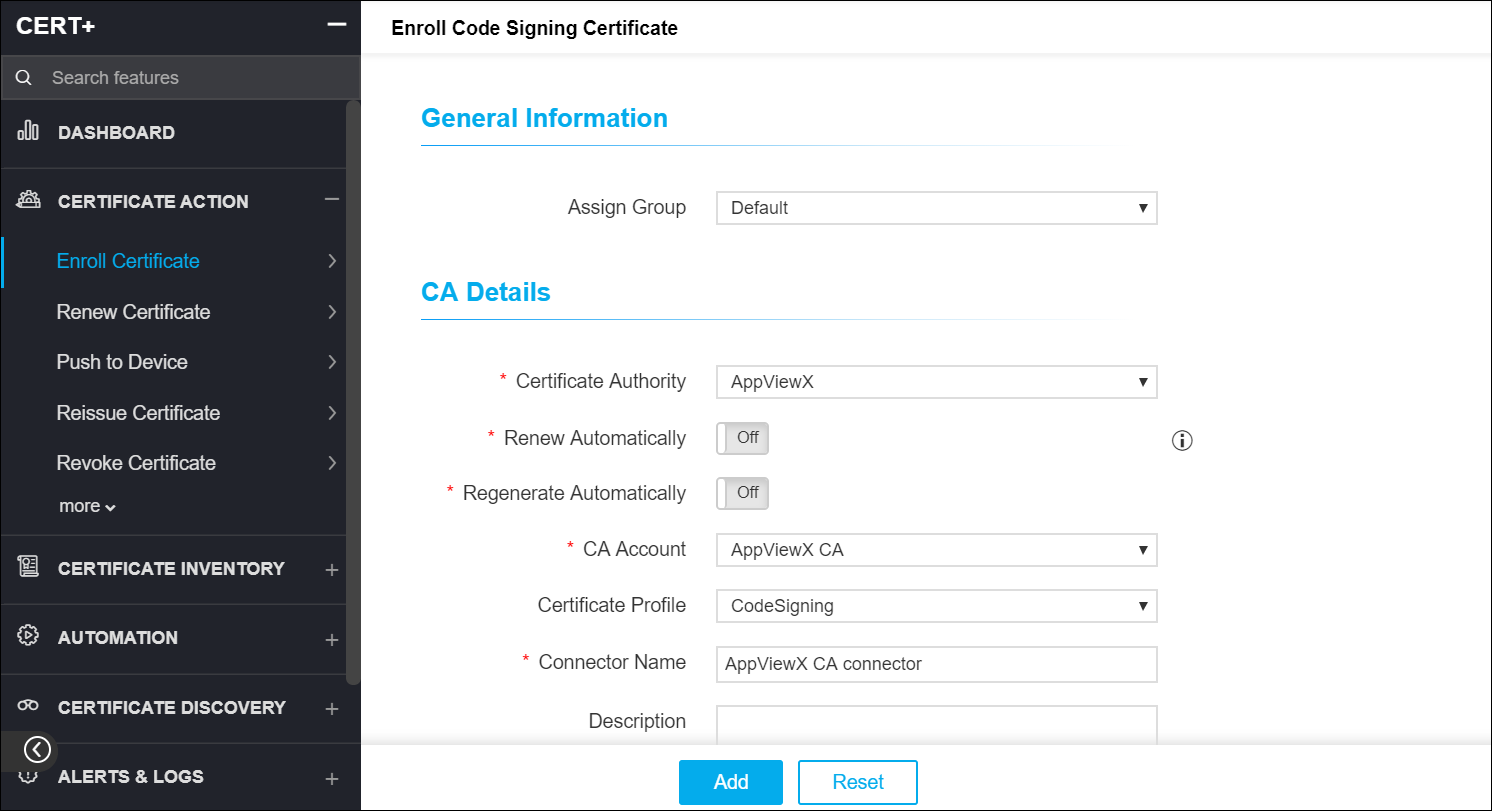
Enroll a Code Signing Certificate
To enroll a code signing certificate:
-
Click
 and select CERT+ > Certificate Action.
- Under Certificate Action, click Enroll Certificate>> Code Signing Certificate.
- On the Enroll Code Signing Certificate page, under the General Information section, assign a group to the certificate.
-
Under the CA Details section, in the Certificate Authority field, select
the CA for the certificate.
Note: Other fields in the CA Details section vary depending on the CA you choose.
 denotes mandatory
fields.
denotes mandatory
fields. -
Under the CSR Parameters section, enter the following mandatory fields:
- Common name - The fully qualified domain name (FQDN) or common name that exactly matches your web browser.
- Validity (in years) - The duration for which the certificate must be valid.
- Hash function - Select either SHA256 or SHA160, depending on which hash algorithm you want to use.
- Key type - Select either RSA or DSA depending on the type of security algorithm you want to use.
- Bit length - Choose the length of the key you want to generate: 4096, 2048, 1024, or 512 bits.
- Click on Upload to attach a file.
- Enter Certificate Attributes and Generic Fields.
-
Click Add.