Jump to main content
Configure a Known Certificate Authority
To add or modify a known certificate authority:-
Click
 and select
CERT+ > Administration.
and select
CERT+ > Administration.
-
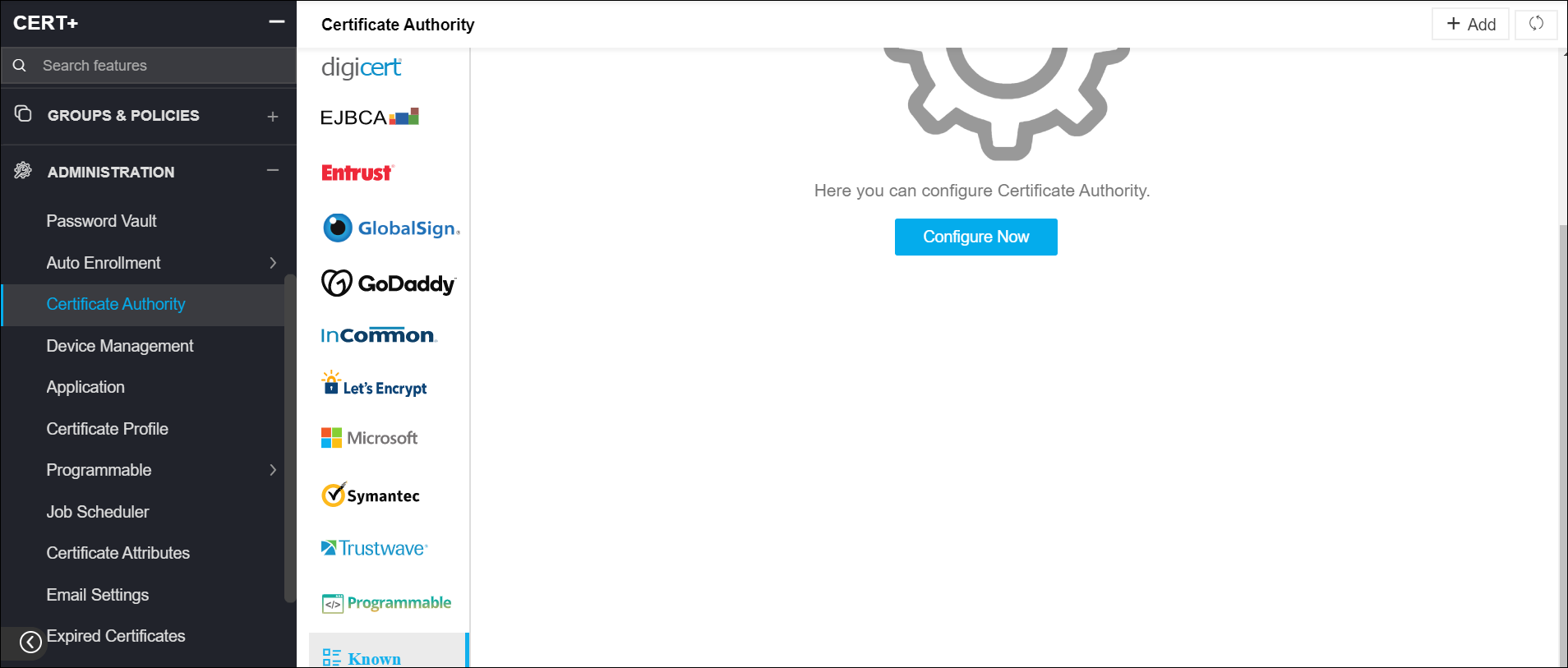
Under Administration, click Certificate Authority.
-
On the Certificate Authority page, a list of Certificate Authorities is displayed.
-
Scroll down to the bottom of the list and click Known.
-
Click Configure Now to create a new CA or click Add on the top-right to
add another Known CA.
-
On the details page, in the CA Name field, enter a name for the known CA.
-
From the Root or Intermediate dropdown, select the required certificate.
-
Click Add.