Configure Auto-Enrollment Settings
-
Click
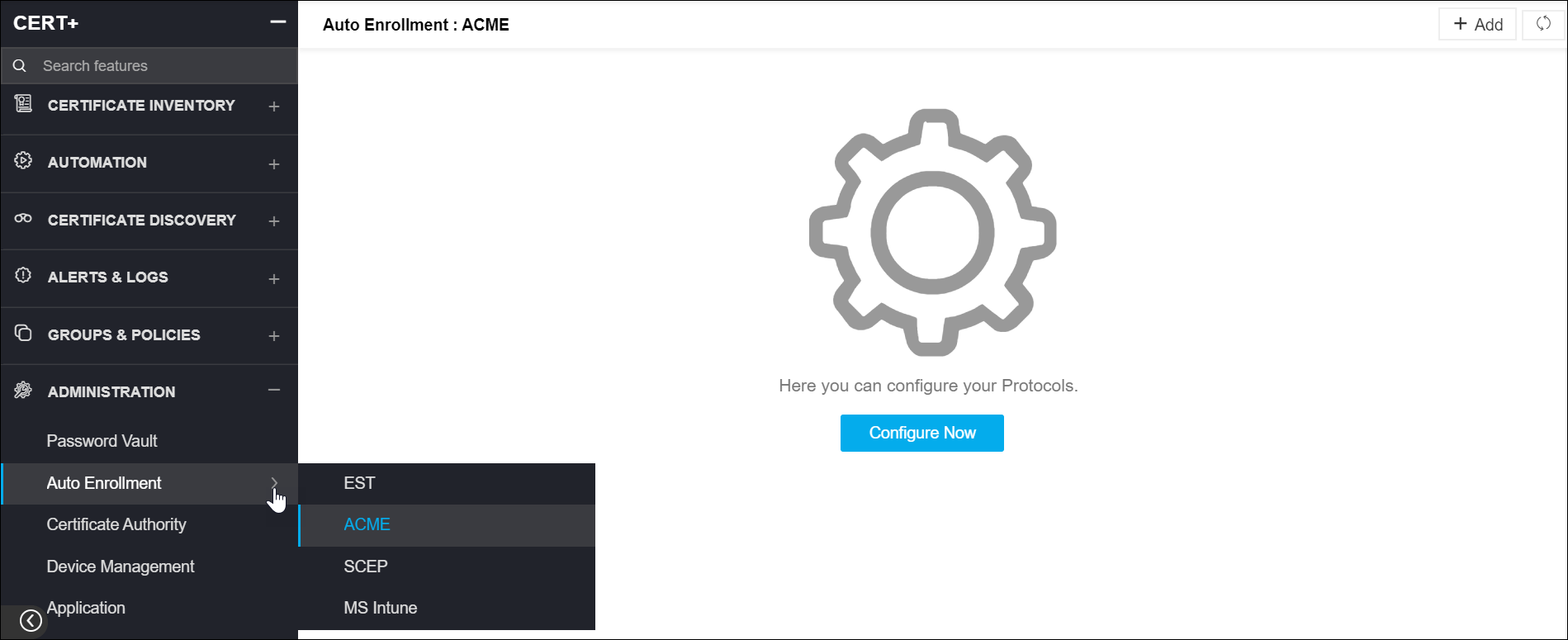
 and select CERT+ > Administration.
- Under Administration, click Auto-Enrollment.
- You can choose EST, ACME, SCEP, or MS Intune from the list.
- Click Configure Now.
-
On the details page, enter the mandatory details and click Save.
Note: For any protocol, more than one agent details can be added to AppViewX.