Configure the Job Scheduler
-
Click
 and select
CERT+ > Administration.
and select
CERT+ > Administration.
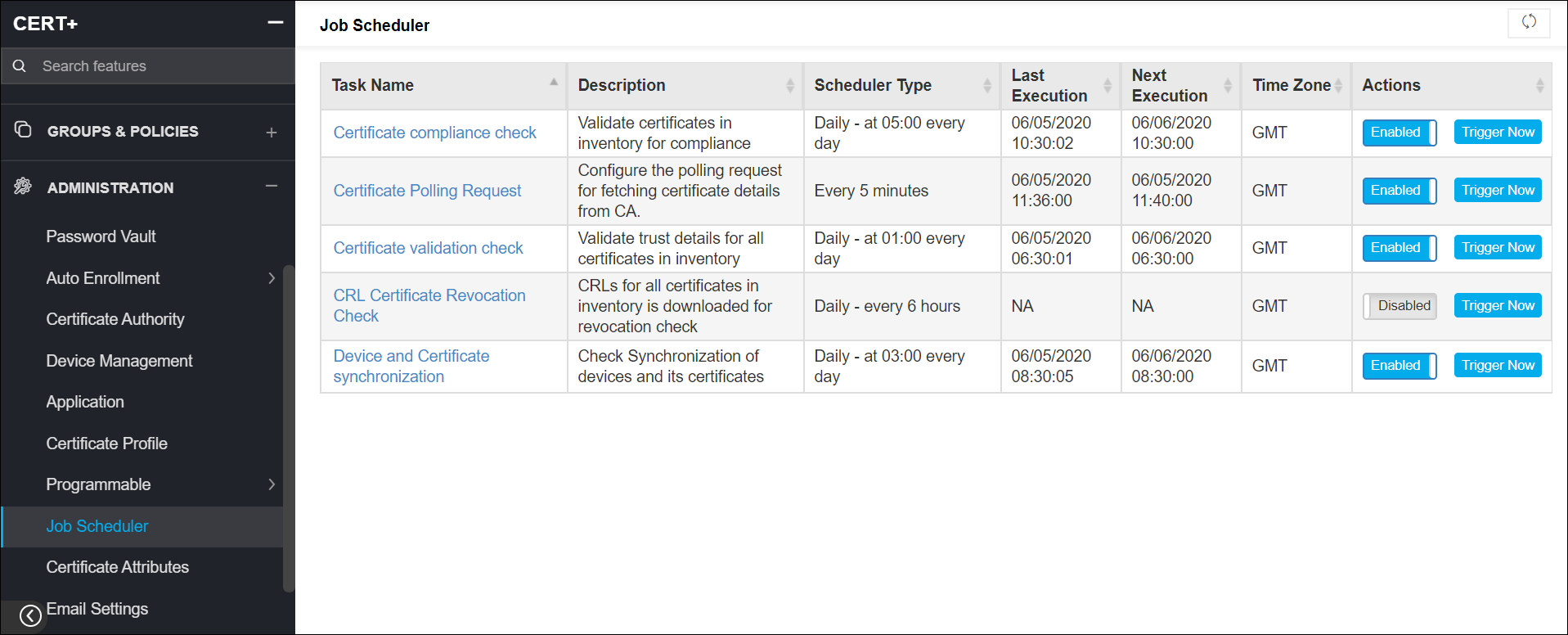
- Under Administration, click Job Scheduler.
-
On the Job Scheduler list view, you can enable/disable a particular task or trigger it
immediately.