Run SSL Checker on a Certificate
To run SSL checker on a certificate:
-
Click
 and select
CERT+ > Certificate Action.
and select
CERT+ > Certificate Action.
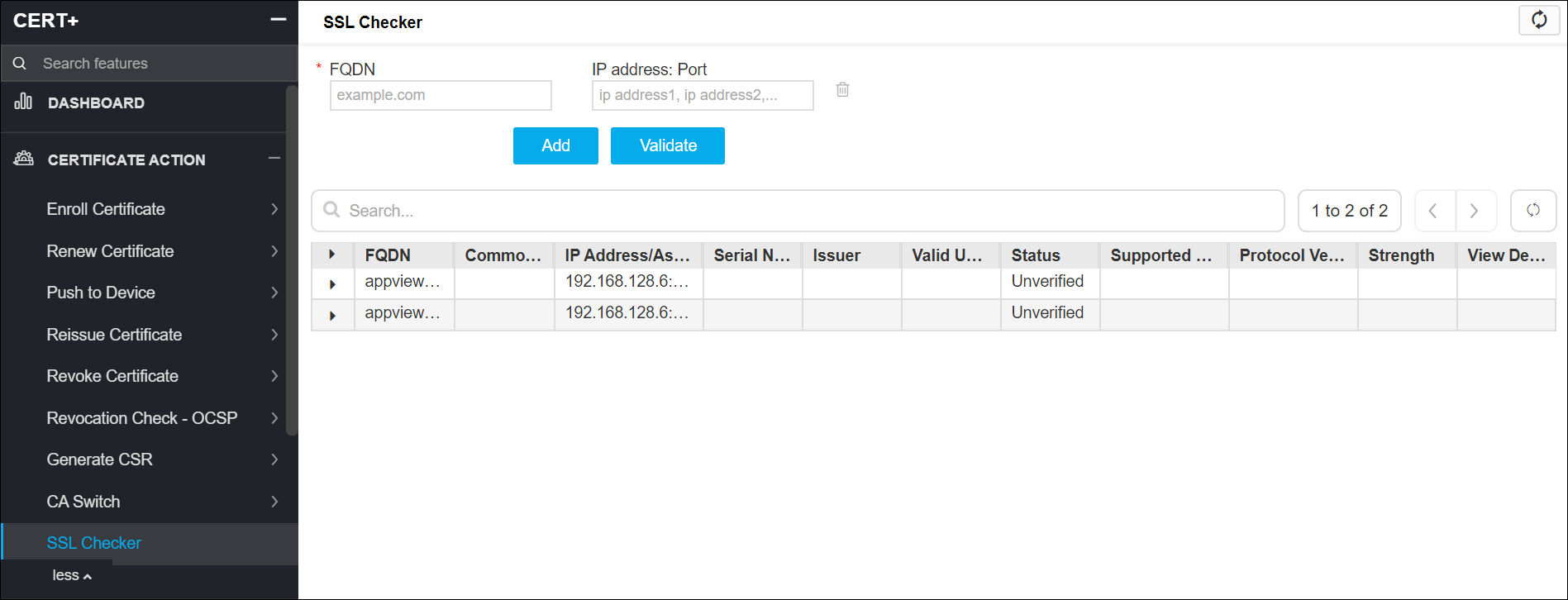
- Under Certificate Action, click SSL Checker.
- On the SSL Checker details page, enter the Fully Qualified Domain Name (FQDN) for the SSL.
- Enter the IP address and port for the SSL.
- Click Add to add another FQDN and IP address: Port to the list of SSLs to be checked.
- Click Validate.
-
If the SSL is valid, details appear on the table below.