Upload a Certificate
-
Click
 and select
CERT+ > Certificate Inventory.
and select
CERT+ > Certificate Inventory.
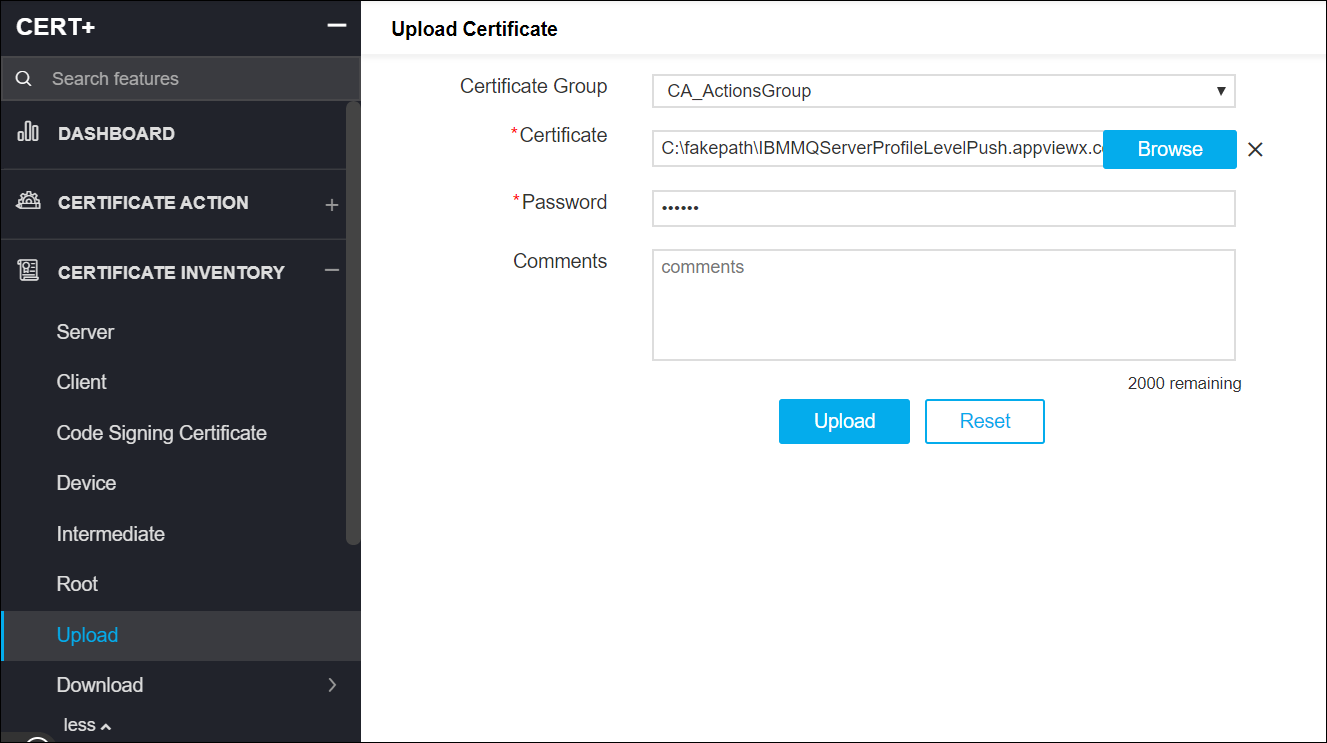
- Under Certificate Inventory, click Upload.
- On the Upload Certificate details page, select a Certificate Group.
- Browse and choose the certificate file.
- Enter relevant comments for uploading the certificate.
-
Click Upload.